One selfie. A headshot you can use.
Skip the photoshoot. Pick a style for LinkedIn, your CV or your line of work, add a selfie, and Fotu makes the headshot.
For iPhone · Free to download · Subscription required to create
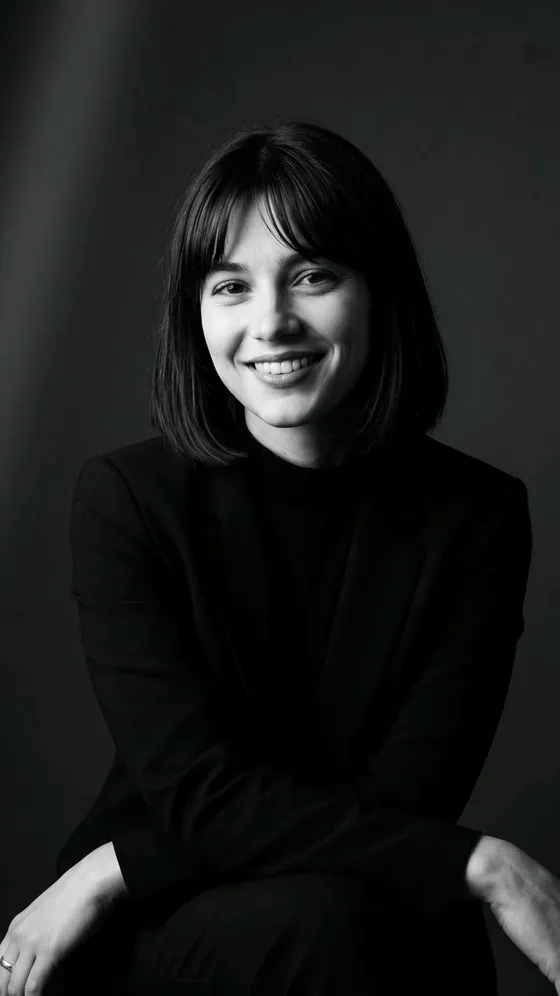
Examples show sample people and were made with AI. Your result depends on your photo.















A style for the work you do
A doctor and a founder shouldn’t look the same in their profile picture. Each style has three poses for men and three for women.
-

Doctor
Trusted portraits for your medical practice
-

Founder
Look like the visionary you are
-

Chef
Kitchen confident portraits with flavor
-

Actor
Casting ready headshots that book roles
A new headshot in three steps
- 1
Add a selfie
Take one or pick one from your library. A clear photo of just you, facing the camera, works best.
- 2
Pick a style and a pose
Choose a style, then one of its six poses. Fotu asks before it sends your photo to its AI providers.
- 3
Compare and save
Check the headshot against your selfie, then save it or share it. It also stays in the app’s Photos tab.
Small things that prevent a bad headshot
A check before you start
Fotu looks at your photo on your iPhone and warns you if it’s dark, your face looks small, or someone else is in the shot. You can still go ahead.
One selfie for every style
Fotu keeps your photo while the app is open, so you can try LinkedIn and then Corporate without adding it again.
You stay you
Fotu tells the AI to keep your face, hair and build, and to change the clothes, light and background.
Your selfie stays yours
Fotu sends your photo through AIProxy to OpenRouter and Google only to make your headshot, with zero data retention. The app asks first, and your photos and results stay on your iPhone until you delete them.
Read the privacy policyA few things before you start
Will it still look like me?
That’s the goal. Fotu tells the AI to keep your face, hair and build as they are and to change the clothes, light and background. AI can still get details wrong, so check the result before you use it.
Can I use it for my passport?
Be careful. The Passport style makes a passport-style picture on a plain background, but rules differ by country and some countries refuse edited or AI-made photos. Check your country’s official page before you use one.
What photo works best?
A clear, well-lit photo of just you, facing the camera. Fotu warns you on your iPhone if a photo looks dark, your face looks small, or there’s more than one face.
What happens to my photos?
Your photo goes through AIProxy to OpenRouter and Google only to create your headshot, with zero data retention. Your originals and results stay on your iPhone, in the Photos tab, until you delete them.
Is Fotu free?
Fotu is free to download. You need a subscription to create headshots and unlock every style. The app shows the plans and prices before you buy.
Which devices does it work on?
Fotu runs on iPhone with iOS 18 or later. It needs an internet connection to create a headshot.
Your next profile picture starts with a selfie.
Get Fotu for iPhone and try it on your own photo.